
Geometry Blog Posts

Part 2: Combining CAD Geometry with Meshes in COMSOL Multiphysics®
Learn how to import STL files originating from 3D scan sources and meshes in the NASTRAN® file format, as well as how to prepare them for analysis in COMSOL Multiphysics®.

Part 1: Editing and Repairing Surface Meshes in COMSOL Multiphysics®
COMSOL Multiphysics® includes several operations for modifying imported surface meshes. You can create, intersect, partition, and join entities, adapt and refine mesh elements, and more.

How to Import Images and Loft a Solid
Say you want to model an irregular shape, like a human head. How do you set up the geometry? Here, we go over how to do just that by importing images and lofting a solid.
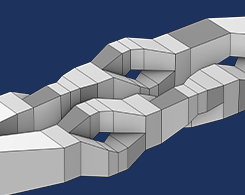
New Course on Building Geometry in COMSOL Multiphysics®
Explore an overview of our Learning Center course on building both simple and complex geometries in COMSOL Multiphysics®.
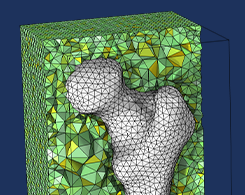
Generating a Simulation Mesh of a Femur From 3D Data
You can create a simulation mesh from 3D data in COMSOL Multiphysics®. This capability comes in handy when modeling irregular shapes.
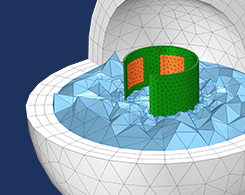
Wrapping and Warping Geometries for Analysis in COMSOL®
CAD parts are typically designed in an undeformed, as-manufactured state. When it comes to analysis, however, we are only interested in the deformed, as-assembled state.
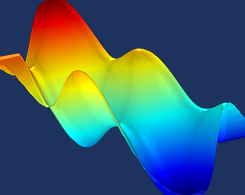
How to Convert Point Cloud Data to Surfaces and Solids
Sometimes, the only data you have before starting an analysis project is a set of points (also known as a point cloud). Did you know that a point cloud can be converted into a model geometry?
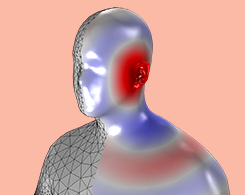
Computing the HRTF of a Scanned Geometry of a Human Head
Designing cochlear implants, hearing aids, headphones, and other audio devices requires precise measurements of the head-related transfer function (HRTF). Simulation and geometry import can help.


